
How to Search Orange County Court Records
The Orange County Clerk of the Circuit Court and Comptroller runs the main records portal, called my eClerk. The search form sits at myeclerk.myorangeclerk.com/Cases/Search. It covers traffic, civil, criminal, family, and probate cases together. Online docket information reaches back to about 1990. Documents are available from 2009 to the present for most case types. The search is free, but anonymous users must clear a CAPTCHA before each request. Registered users can sign in and skip that step.
Have a few details ready before you start. Pick a case type or use Search All if you are not sure. A name search needs both first and last name. A date search needs both a start and end date. The system caps each result list at 500 records, so a broad search returns only the first page. Refine with a full name, case number, or citation number to narrow the list.
The clerk's hearing schedule search uses the same my eClerk environment and helps confirm a court date once a case is found.
The clerk's hearing schedule search page shows how the calendar lookup is laid out.
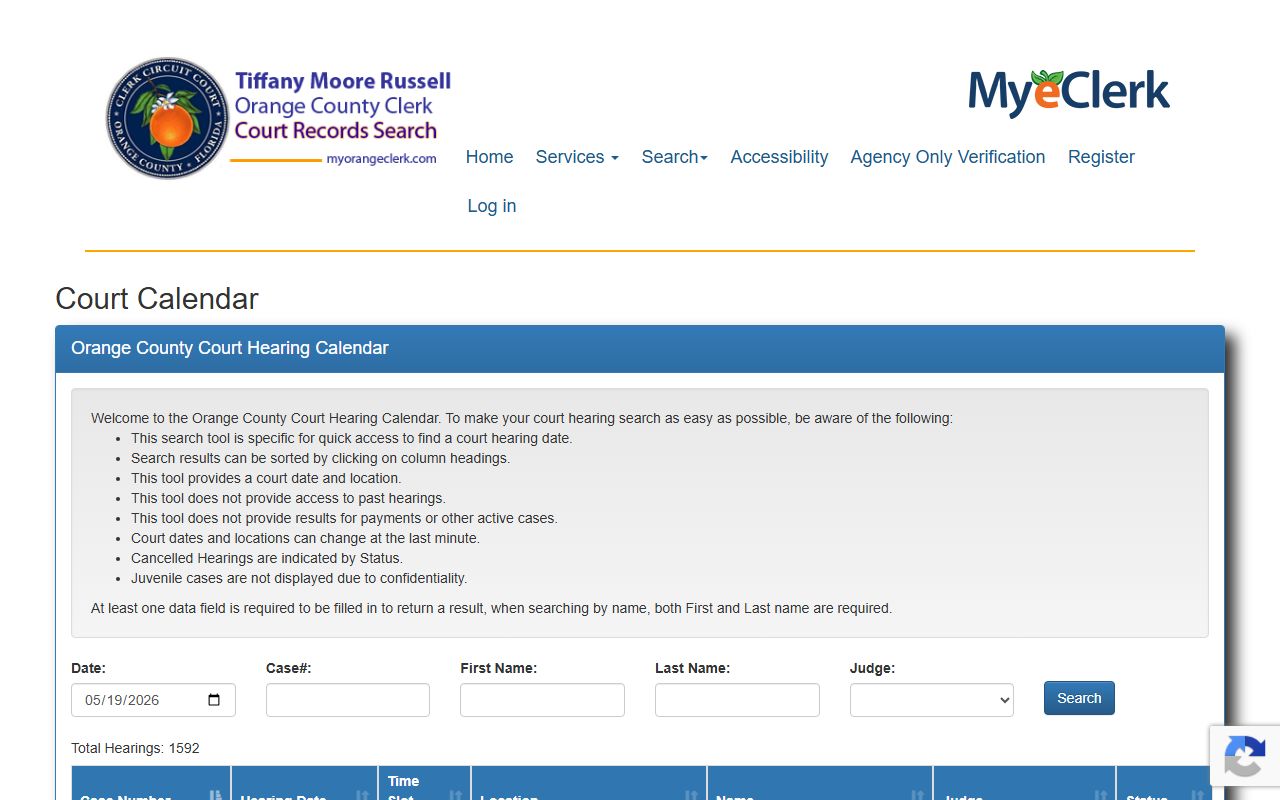
From there a searcher can match a case number to a scheduled hearing date, time, and courtroom.
- Open the my eClerk records search form.
- Pick a case type or choose Search All.
- Type a full first and last name, or use a case or citation number.
- For a date search, set both a Date From and a Date To.
- Clear the CAPTCHA if you are not signed in.
- Open a result to view docket entries and any public documents.
Orange County Court Records Search Fields
The my eClerk form gives several ways to find a case. Each field has its own size limit and rule. Name searches must pair a first and last name. Case and citation numbers pull a single matter fast. The table below lists the fields and how each one works.
| Field Label | Type | Required | Notes / Format |
|---|---|---|---|
| Case Type | Multi-select dropdown | Optional | Traffic, civil, criminal, family, probate, or Search All |
| First Name | Text | If last name used | Max 50 characters |
| Last Name | Text | If first name used | Max 50 characters |
| Business Name | Text | Optional | Max 75 characters |
| Case Number | Text | Optional | Max 35 characters |
| Citation Number | Text | Optional | Max 20 characters |
| Date From | Date | If Date To used | Both ends required |
| Date To | Date | If Date From used | Both ends required |
| CAPTCHA | reCAPTCHA | For anonymous users | Skipped for registered users |
Note: A mental-health case search will not return public results, except a Risk Protection Order shown to a registered user after service.
Types of Orange County Court Records
The clerk sorts cases into broad groups, then into more than one hundred case-type codes. Circuit Court holds felony, family, probate, and larger civil files. County Court holds misdemeanor, traffic, small claims, and eviction files. The same search form reaches both levels, so a searcher rarely needs to know which court holds a file before looking.
Each group produces its own kind of record. Criminal files track charges and dispositions. Civil files track money and property disputes. Family files track divorce, support, and custody. Probate files track estates and guardianships.
- Criminal records cover Criminal Felony (CF), Misdemeanor (MM), and Criminal Traffic (CT) cases. See Orange County criminal records.
- Civil records cover negligence, contract, foreclosure, eviction, and replevin.
- Family records cover dissolution of marriage, paternity, support, and injunctions.
- Probate records cover formal and summary administration, guardianship, and trusts.
- Traffic records cover Traffic Infractions (TR) and Toll Infraction cases. See traffic court records.
What Orange County Court Records Show
Open a case and the docket lists the parties, the filing date, the assigned judge, and every event in date order. Documents appear as linked PDFs when public access is allowed under Florida Supreme Court Administrative Order AOSC16-14. The table below maps the main fields shown in a typical record.
| Field | What It Shows |
|---|---|
| Case Number | Year, case type code, sequence, and division suffix, such as 2025CF010784AO |
| Filing Date | Date the case was opened with the clerk |
| Parties | Plaintiff, defendant, petitioner, respondent, or estate |
| Attorneys of Record | Counsel listed for each party |
| Judge / Division | Assigned division and judge |
| Docket Entries | Filings, motions, orders, hearings, and judgments in date order |
| Disposition | Outcome such as judgment, plea, or dismissal |
| Documents | Public PDF documents from 2009 to the present under AOSC16-14 |
| Case Balance | Fines, court costs, fees, and restitution still owed |
The Orange County court dockets page explains how a docket line differs from a full case document. The clerk's case balance tool shows money owed on a case.
The clerk's case balance lookup page checks fines and fees by case number.
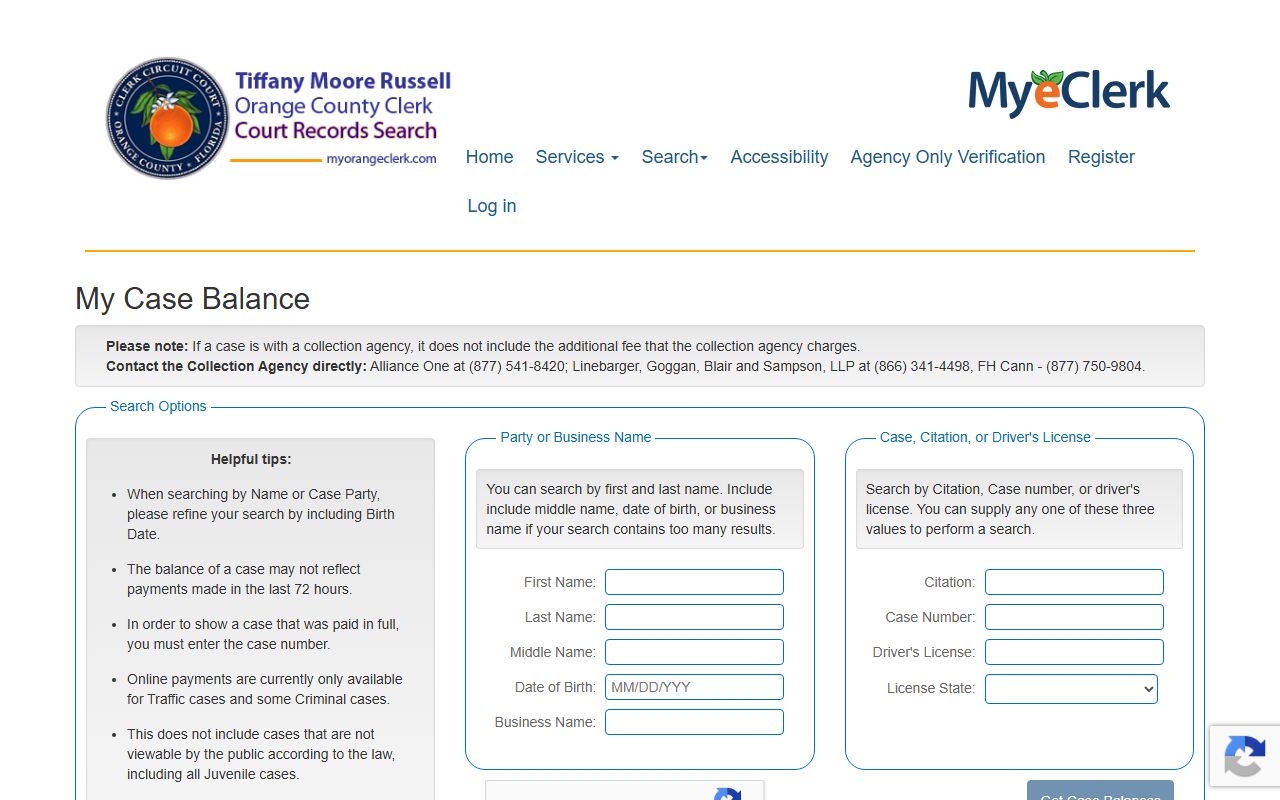
A case balance helps confirm whether a fine, fee, or restitution amount is still due.
Public Access Laws for Orange County Court Records
Florida treats court records as public by default. County and city agency records fall under Florida Statutes Chapter 119, the state public records law. Court files follow Florida Rule of General Practice and Judicial Administration 2.420, which sets confidential categories and the steps to seal or unseal a record. The clerk gives broad electronic access under Florida Supreme Court Administrative Order AOSC16-14.
Open access does not mean every document is online. A docket can be public while a document image is blocked. Anyone can search by name without giving a reason. Plain copies and certified copies carry set fees at the clerk's counter.
Note: A blank result is not proof that a case does not exist, since spelling, date range, case type, and confidentiality rules all affect what shows.
The full text of Florida Statutes Chapter 119 sets the open-records framework.
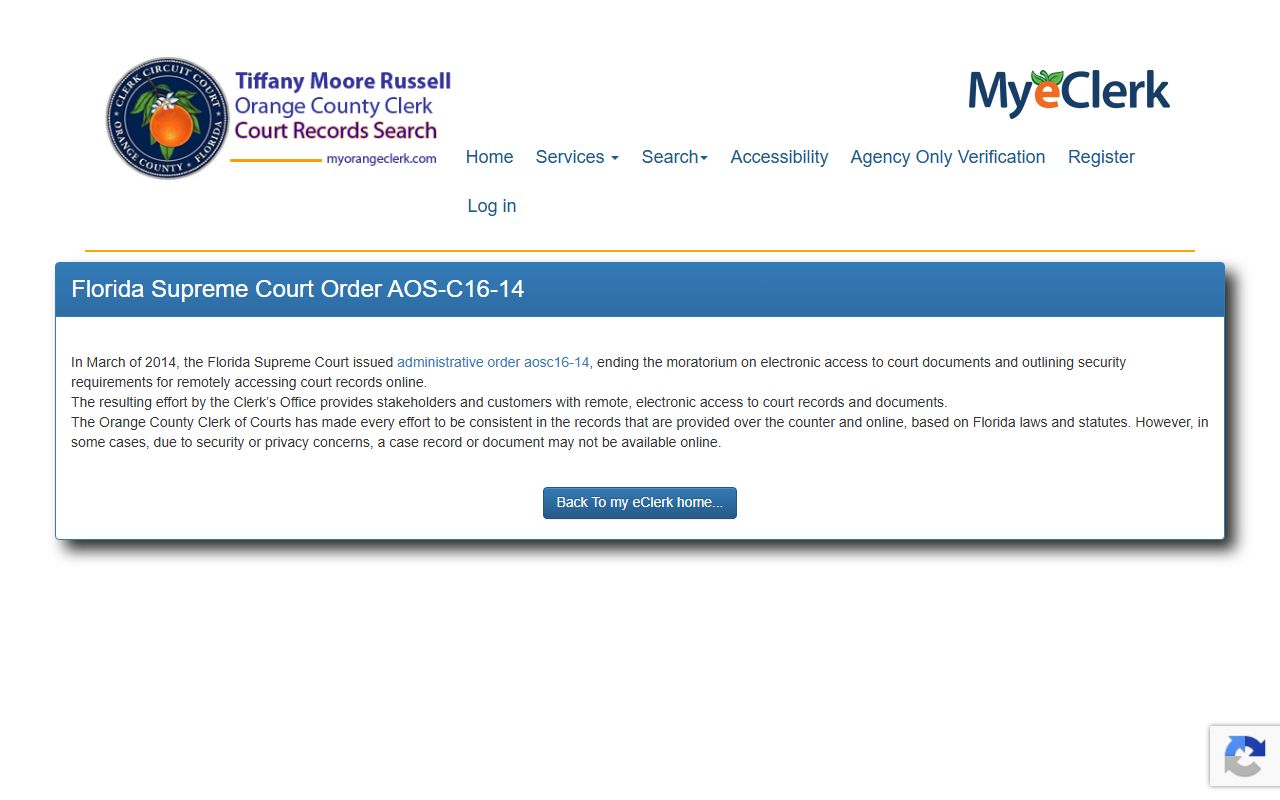
The clerk's AOSC16-14 page explains the Florida Supreme Court order behind online document access.
Records That Are Sealed or Confidential in Orange County
Some court files stay out of public view. Juvenile records are limited by Florida Statutes § 985.04. Adoption files are confidential under Florida Statutes § 63.162. Mental-health clinical records fall under Florida Statutes § 394.4615. Sealed cases sit under § 943.059 and expunged cases under § 943.0585.
To view a blocked record, a party usually files a motion in the original case or works through counsel. Sealing hides a record from the public while keeping it for listed agencies. Expunction goes further and removes the record from ordinary access. The criminal records page covers the FDLE certificate steps that come before a sealing or expunction petition.
In-Person Court Record Requests
People who need a certified copy or an older paper file can visit the clerk at the downtown courthouse. Bring a photo ID and the case number if you have it. Staff can run a name search, pull a file, and certify copies for a set fee. Branch offices also handle many records services, listed on the clerk's branch page.
Orange County Clerk of the Circuit Court and Comptroller
425 North Orange Avenue
Orlando, FL 32801
(407) 836-2000
Mon-Fri 7:30 AM - 4:00 PM